
OCR
Turn images into text you can actually use.
Capture pages, slides, screenshots, and documents from the camera or your photo library. OCR turns the text into editable, searchable content inside your notes.
HOW IT WORKS
From input to reusable knowledge.
OCR is an input method for MemoFlow’s knowledge workspace: an image becomes editable text inside a note rather than an isolated scan.
01
Photograph a page or choose an image
02
Recognize the printed text on a supported device
03
Correct and structure the editable result
04
Search it or use the note as context for MemoFlow AI
CAPABILITY
What MemoFlow does at each step.
- Camera or photo library
- On-device text recognition
- Editable result
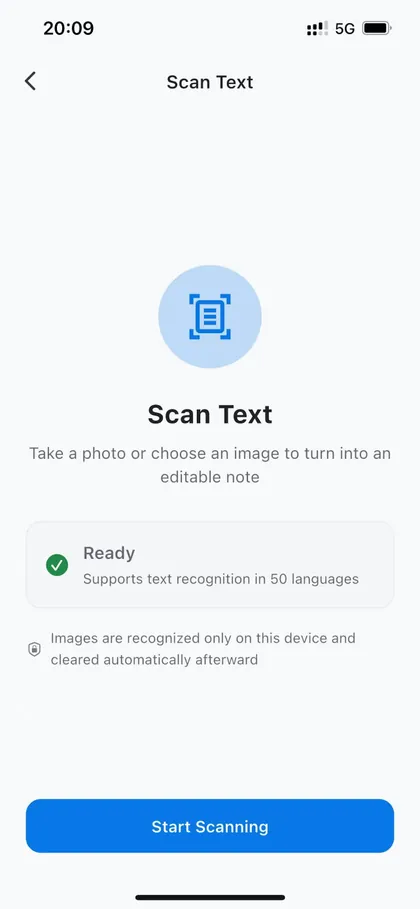
Camera or photo library
Start with the camera or an existing photo.
On-device text recognition
Recognition runs on supported devices.
Editable result
Edit and format the result after capture.
Good to know: Clear, upright, well-lit printed text usually works best. Complex tables, handwriting, and IDs are not guaranteed to be fully recognized.
ONE WORKSPACE
Where this goes next.
Once recognized text is in a note, it can be edited, searched, combined with other material, and selected for AI-assisted work like the rest of your knowledge.
KEEP EXPLORING
It works with the rest of MemoFlow.
Where to go next
Bring MemoFlow into your day.
Download MemoFlow and start capturing in the way that fits the moment.